
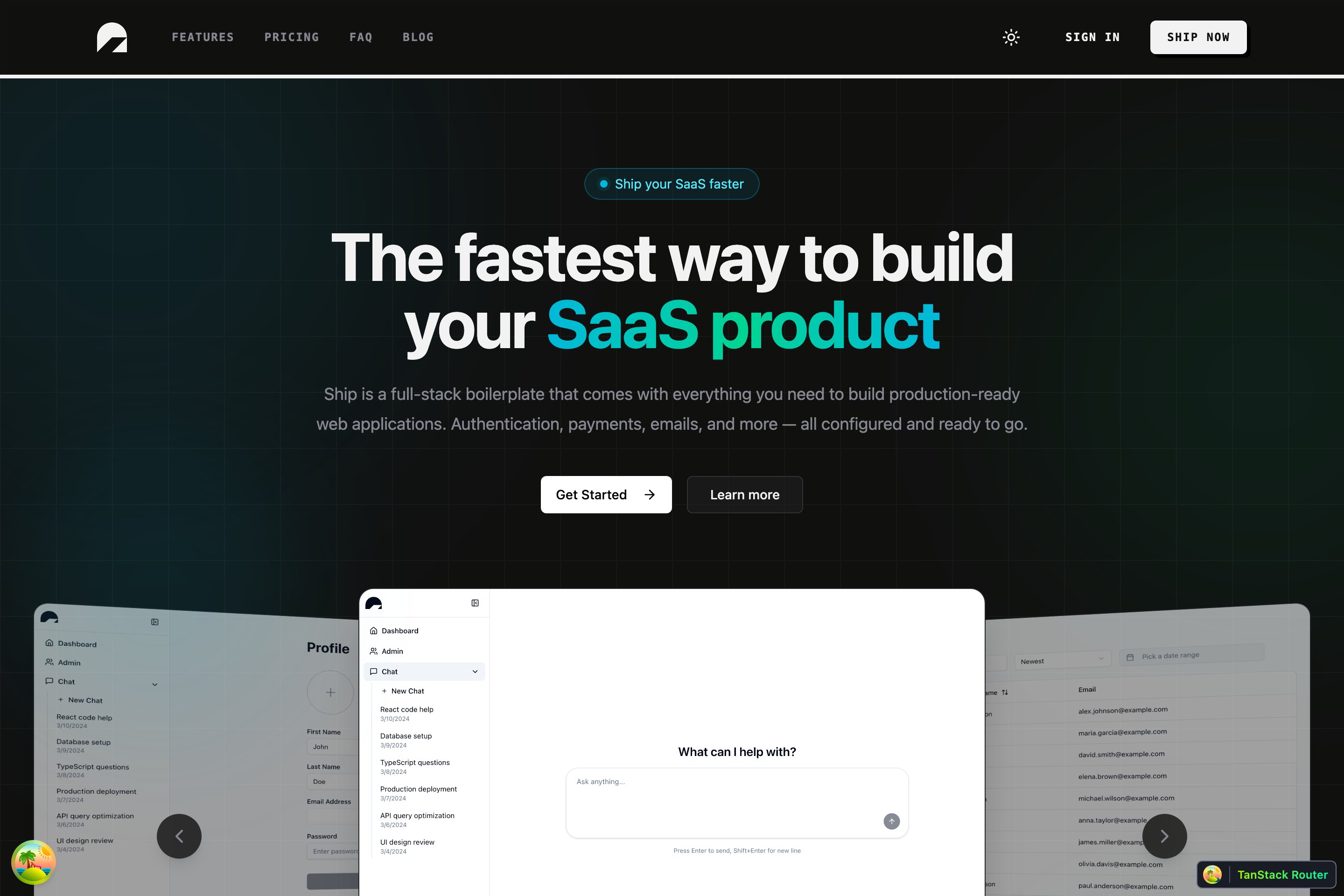
apps/web is Ship’s front-end: a TanStack Start application running in SPA mode. It’s the same base whether you scaffolded full-stack or web-only — what changes is where the data comes from. The Ship web app
The stack

ConcernTool
App frameworkTanStack Start (SPA) on Vite
RoutingTanStack Router — file-based, in src/routes/**
Server stateTanStack Query
UIshadcn/ui + Tailwind v4
FormsReact Hook Form + Zod
Iconslucide-react · @tabler/icons-react
LanguageTypeScript
The whole app is wired in vite.config.ts with the tanstackStart plugin in spa mode, plus @tailwindcss/vite and vite-tsconfig-paths (the @/... alias):
vite.config.ts
import tailwindcss from '@tailwindcss/vite';
import { tanstackStart } from '@tanstack/react-start/plugin/vite';
import viteReact from '@vitejs/plugin-react';
import { defineConfig } from 'vite';
import svgr from 'vite-plugin-svgr';
import tsconfigPaths from 'vite-tsconfig-paths';

export default defineConfig({
  server: { port: 3002, strictPort: true },
  plugins: [
    tsconfigPaths(),
    tailwindcss(),
    tanstackStart({
      spa: { enabled: true, prerender: { outputPath: 'index.html' } },
    }),
    viteReact(),
    svgr(),
  ],
});
SPA mode does not mean “no server.” TanStack Start still runs a server — it just doesn’t server-render your routes. That server is where server functions execute, which is how the web-only shape does its backend work.

The root

Everything hangs off src/routes/__root.tsx. It defines the document shell, the head (meta, fonts, favicon), and the providers every route shares — TanStack Query, theming, tooltips, and the toaster:
src/routes/__root.tsx
export const Route = createRootRoute({
  ssr: false,
  head: () => ({
    meta: [{ title: 'Ship' }, /* charset, viewport */],
    links: [/* favicon, fonts */],
  }),
  shellComponent: RootDocument,
  component: RootLayout,
});

function RootLayout() {
  return (
    <ThemeProvider attribute="class" defaultTheme="system" enableSystem disableTransitionOnChange>
      <QueryClientProvider client={queryClient}>
        <TooltipProvider>
          <Outlet />
        </TooltipProvider>
        <Toaster richColors position="top-right" />
      </QueryClientProvider>
    </ThemeProvider>
  );
}
How routes are organised under this root — files, params, guards, loaders — is its own page: Routing.

Two ways to get data

The base apps/web ships a landing page and nothing else to fetch. How you add data depends on the shape you scaffolded.

Full-stack

Talk to apps/api through a fully typed oRPC client. The client and the useApiQuery / useApiMutation / useApiForm hooks arrive with the Auth plugin, which also adds the sign-in/up pages and the authenticated app shell.

Web-only

No separate API. Backend logic runs as server functions (createServerFn) on the Start server, called straight from a route loader.

Full-stack: the typed oRPC client

Add the Auth plugin and your routes get an apiClient whose methods mirror the API contract one-to-one — every input and return type is inferred from the endpoint’s .input() / .output() schemas. Wrap a call in TanStack Query with the plugin’s hooks:
import { apiClient } from '@/services/api-client.service';
import { useApiQuery, useApiMutation, queryKey, useQueryClient } from '@/hooks';

function Notes() {
  const queryClient = useQueryClient();
  const { data: notes = [] } = useApiQuery(apiClient.notes.list);

  const create = useApiMutation(apiClient.notes.create, {
    onSuccess: () => queryClient.invalidateQueries({ queryKey: queryKey(apiClient.notes.list) }),
  });

  return <button onClick={() => create.mutate({ text: 'hi' })}>Add</button>;
}
Types flow end-to-end with no codegen and no shared types package: the API emits .d.ts (pnpm --filter api build:types) and the web app imports them through its "api": "workspace:*" dependency. Change an endpoint’s output and the client’s types change on the next build. See How Ship works.

Web-only: server functions

With no apps/api, your backend is a createServerFn handler that runs on the Start server and is consumed by a route loader:
import { createServerFn } from '@tanstack/react-start';

export const getStats = createServerFn({ method: 'GET' }).handler(async () => {
  return { count: 42 };
});
Full pattern — loaders, mutations, validation — on the Server functions page.

Styling

Tailwind v4 is wired through @tailwindcss/vite; tokens live in src/globals.css. UI primitives are shadcn/ui components copied into src/components/ui/** — your code, edit freely. Conditional classes use the cn() helper. See Styling.

Run it

pnpm --filter web dev   # web only, http://localhost:3002
pnpm start              # full stack: infra → migrate → api + web

Where things live

apps/web/
  vite.config.ts          # TanStack Start (SPA) + Tailwind + svgr + path alias
  src/
    routes/               # file-based routes — __root.tsx + route files
    components/
      ui/                 # shadcn/ui primitives (yours to edit)
    globals.css           # Tailwind v4 tokens
    routeTree.gen.ts      # auto-generated route tree (do not edit)

Next

  • Routing — file-based routes, params, guards and loaders.
  • Server functions — backend logic for the web-only shape.
  • Styling — Tailwind v4 and shadcn/ui.