
pgTable, Ship turns the diff into a versioned SQL migration, and the migrator applies it before anything else ships. No hand-written DDL, no drift between your types and your database.
Migrations are powered by drizzle-kit and applied by a small standalone script (apps/api/scripts/migrate.ts) that runs as its own service — so a long-running migration never blocks the API.
The flow
1
Edit the schema
Change the Drizzle table in
resources/<name>/<name>.schema.ts.2
Generate SQL
pnpm --filter api generate diffs your schema against the last snapshot and writes a timestamped migration into apps/api/drizzle/.3
Review
Read the generated
.sql. It’s plain SQL — commit it like any other code.4
Apply
pnpm --filter api migrate runs every pending migration in order.Configuration
drizzle-kit readsapps/api/drizzle.config.ts. It picks up every schema file by glob and writes migrations to ./drizzle:
apps/api/drizzle.config.ts
resources/*/*.schema.ts, any new resource schema is picked up automatically — there’s no central registry to update.
Example: add a column
Say you want alastRequestAt timestamp on users. Add the column to the table:
apps/api/src/resources/users/users.schema.ts
apps/api/drizzle/, e.g. 20260526112053_fancy_magneto/, containing:
migration.sql— the DDL to applysnapshot.json— the schema state used to diff the next migration
apps/api/drizzle/20260526112053_fancy_magneto/migration.sql
How migrate works
pnpm --filter api migrate runs scripts/migrate.ts, which hands the drizzle/ folder to drizzle-orm’s migrator. drizzle tracks which migrations have already run in its own table, so applying twice is a no-op:
apps/api/scripts/migrate.ts
Commands
These scripts only exist once you have a database. They’re guarded on
drizzle.config.ts; without it they print “Install postgres plugin first”.Browse your data
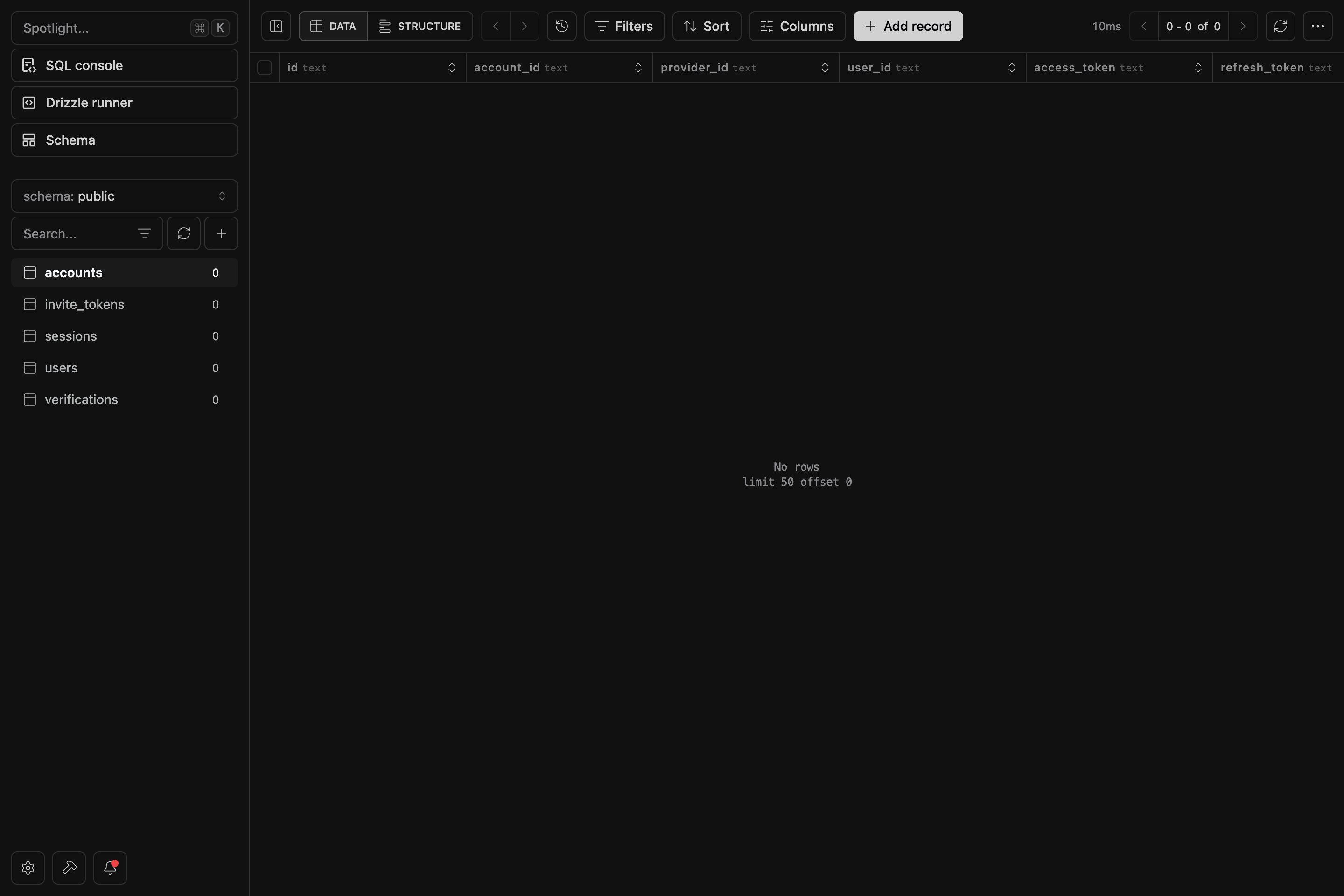
Runpnpm dashboard to open Drizzle Studio at https://local.drizzle.studio — a live browser for your tables, rows and relations, backed by the same schema your migrations build.
How it deploys
The migrator ships as a standalone service with its ownDockerfile.migrator, and runs before the API and Scheduler. Its production command is pnpm --filter api migrate. If a migration fails, the rollout stops there — the API and Scheduler are never started against a schema they don’t expect, so they always run against an up-to-date database.
See the Deployment guides for wiring the migrator into your target.