
API reference — Scalar
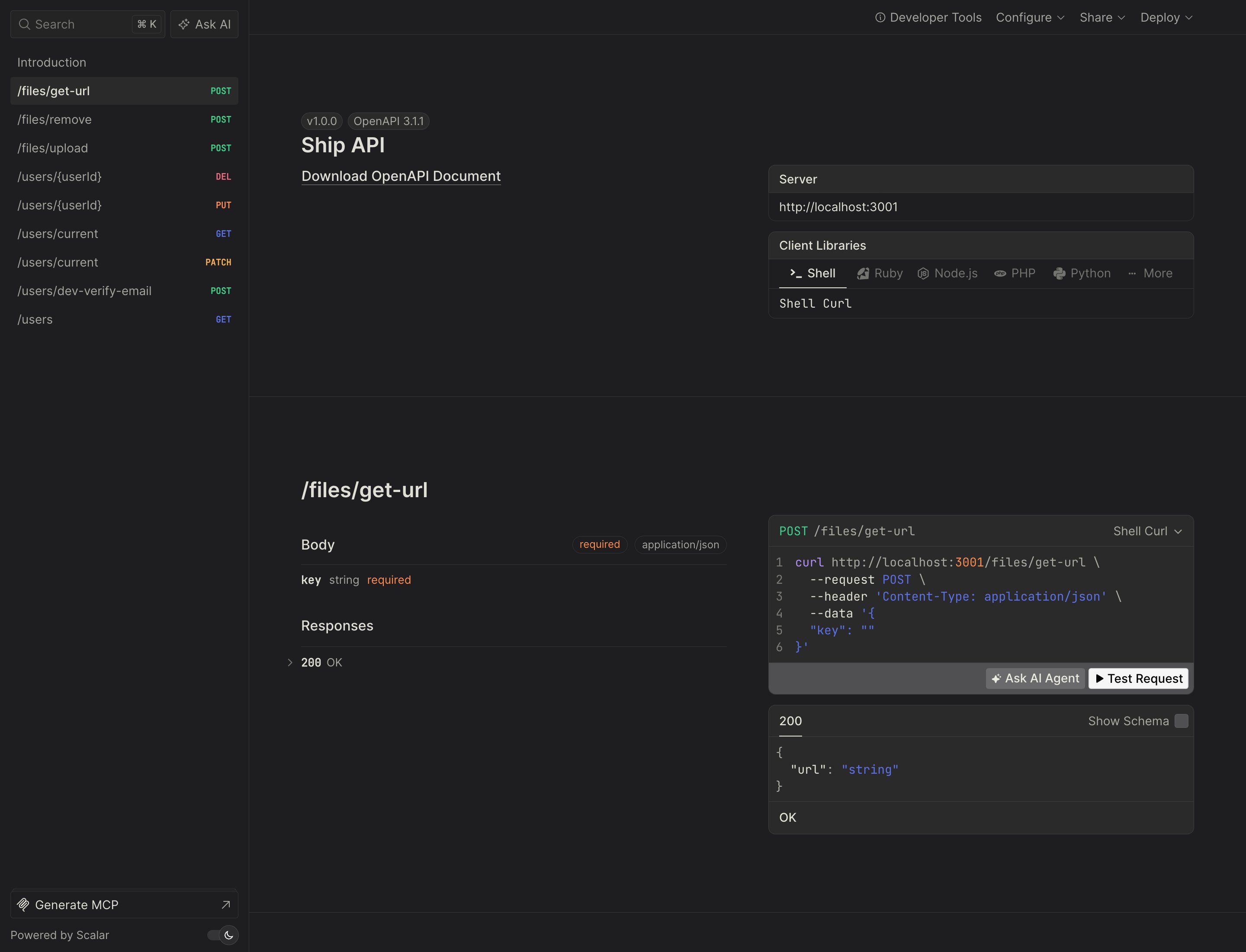
A full Scalar API reference at http://localhost:3001/docs, served in-process by Hono (non-production only). Every endpoint, its.input() / .output() schema, and a built-in “Test Request” client — generated from your oRPC contract, so it’s always current. The raw OpenAPI 3.1 document is at /spec.json.
Database browser — Drizzle Studio
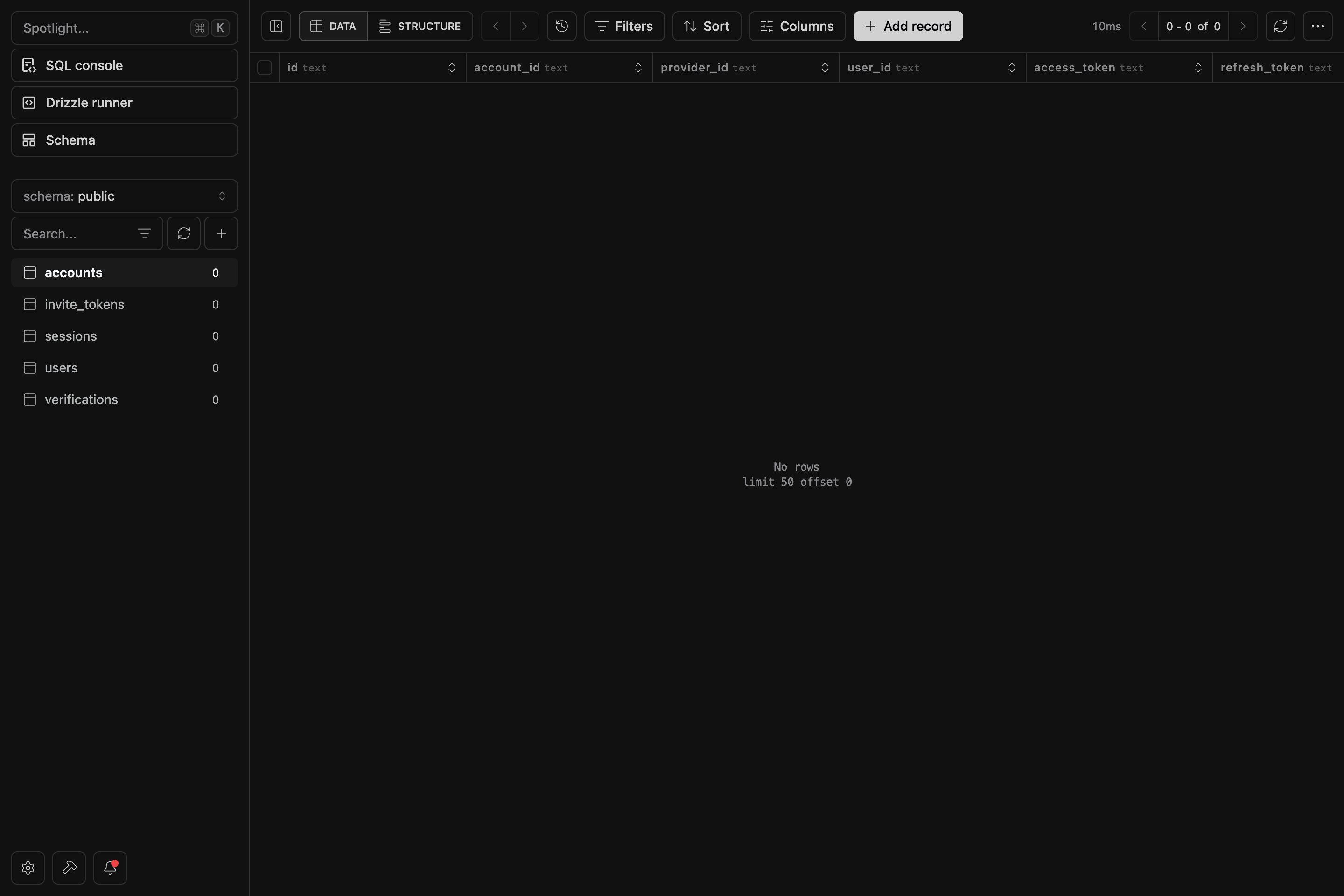
Drizzle Studio at https://local.drizzle.studio, opened withpnpm dashboard. Browse tables, rows and relations, edit data, and run SQL against your local Postgres — backed by the same schema your migrations build.
Email preview — React Email
A live React Email preview at http://localhost:4000, provided by the Mailer plugin. Every template re-renders as you edit, so you can design transactional emails without sending a single message.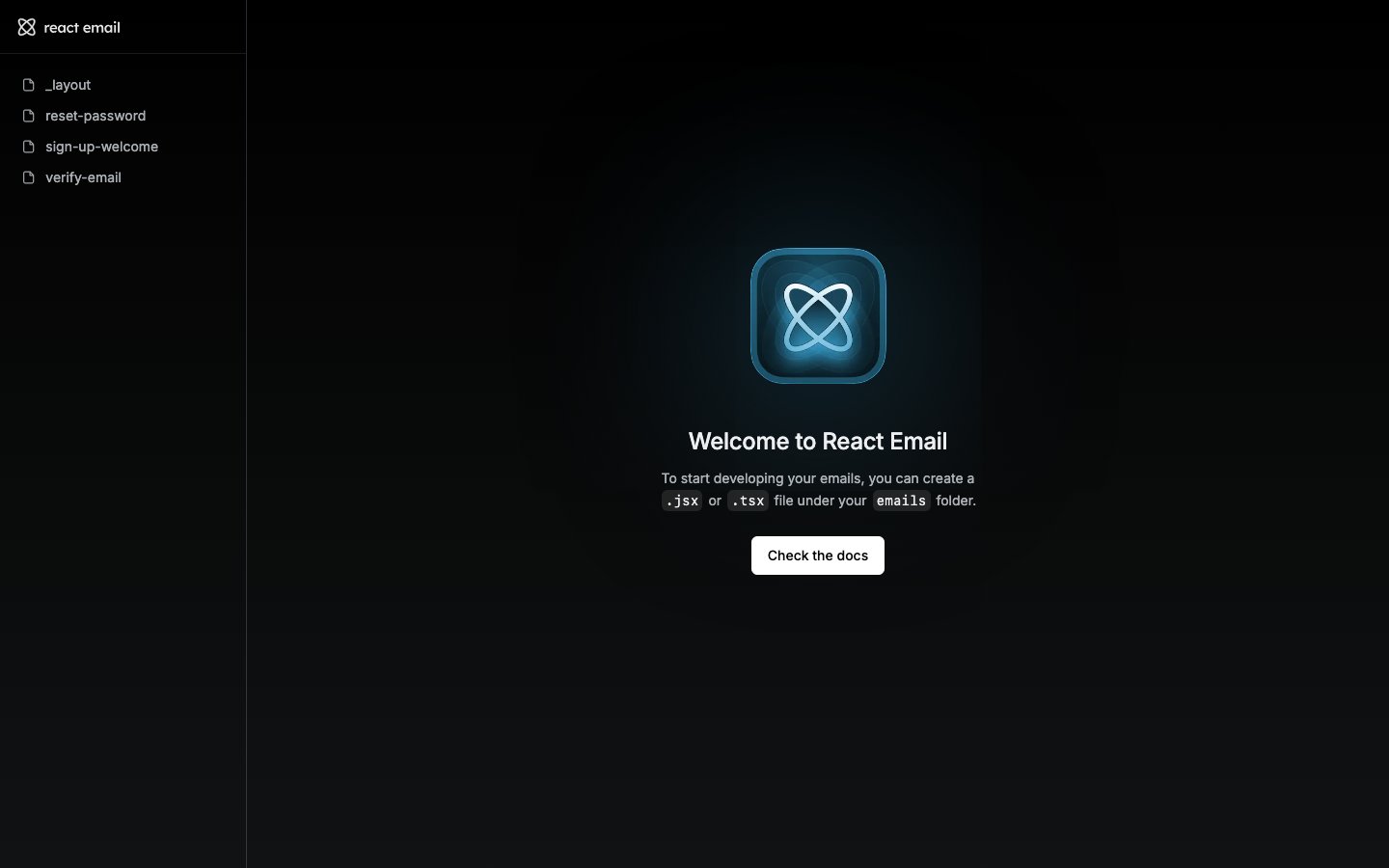
Where each comes from
pnpm start brings up the API (with Scalar) and, when the Mailer plugin is installed, the email preview. pnpm dashboard opens Drizzle Studio on demand.
These dashboards are dev-only — Scalar is disabled in production, and Studio/preview are local tools. A web-only project has none of them (it ships just the TanStack Start SPA).