
The Mailer plugin gives you transactional email with full type safety: write templates as React Email components, send them through Resend, and call one typed sendTemplate method from anywhere in the API. It’s a plugin — installing it merges the @ship/emails package (packages/emails) into your repo, so every template and the service itself are yours to edit.

The package

@ship/emails exports a single emailService plus the template types:
packages/emails/src/index.ts
export * from './template';
export * from './utils';
export { default as emailService } from './email.service';
Templates and their props are registered in template.ts — a Template union, the EmailComponent map, and a TemplateProps map that ties each template to its prop type:
packages/emails/src/template.ts
import { ResetPassword, ResetPasswordProps } from '../emails/reset-password';
import { SignUpWelcome, SignUpWelcomeProps } from '../emails/sign-up-welcome';
import { VerifyEmail, VerifyEmailProps } from '../emails/verify-email';

export type Template = 'reset-password' | 'sign-up-welcome' | 'verify-email';

export const EmailComponent = {
  'reset-password': ResetPassword,
  'sign-up-welcome': SignUpWelcome,
  'verify-email': VerifyEmail,
};

export interface TemplateProps {
  'reset-password': ResetPasswordProps;
  'sign-up-welcome': SignUpWelcomeProps;
  'verify-email': VerifyEmailProps;
}
This is what makes the API end type-safe: pick template: 'verify-email' and TypeScript requires exactly VerifyEmailProps.

Sending email

Import emailService and call sendTemplate. The params are checked against the chosen template’s props:
apps/api/src/auth.ts
import { emailService } from '@ship/emails';

await emailService.sendTemplate({
  to: user.email,
  subject: 'Please Confirm Your Email Address for Ship',
  template: 'verify-email',
  params: {
    name: user.name,
    href: url,
  },
});
Under the hood sendTemplate renders the React component to HTML and hands it to Resend:
packages/emails/src/email.service.ts
async sendTemplate<T extends Template>({ to, subject, template, params, attachments }: SendTemplateParams<T>) {
  if (!this.resend) {
    console.error('[Resend] API key is not provided');
    return null;
  }

  const html = await renderEmailHtml({ template, params });

  return this.resend.emails.send({
    from: `${this.from.name} <${this.from.email}>`,
    to,
    subject,
    html,
    attachments,
  });
}
With no RESEND_API_KEY, sendTemplate logs the email payload and returns null instead of sending — so local development and tests never hit Resend.

Configuration

The service is constructed from environment variables, with sensible fallbacks for the sender:
packages/emails/src/email.service.ts
export default new EmailService({
  apiKey: process.env.RESEND_API_KEY,
  from: {
    email: process.env.RESEND_FROM_EMAIL || 'no-reply@ship.paralect.com',
    name: process.env.RESEND_FROM_NAME || 'Ship',
  },
});
VariablePurpose
RESEND_API_KEYResend API key. Unset → emails are logged, not sent
RESEND_FROM_EMAILSender address (default no-reply@ship.paralect.com)
RESEND_FROM_NAMESender display name (default Ship)

Writing a template

A template is a React Email component plus an exported props interface. It composes the shared Layout and _components:
packages/emails/emails/sign-up-welcome.tsx
import React, { FC } from 'react';
import { Text } from '@react-email/components';

import Button from './_components/button';
import Layout from './_layout';

export interface SignUpWelcomeProps {
  name: string;
  href: string;
}

export const SignUpWelcome: FC<SignUpWelcomeProps> = ({ name = 'John', href = 'https://ship.paralect.com' }) => (
  <Layout previewText="Welcome on board the Ship!">
    <Text>Dear {name},</Text>
    <Text>We are excited to have you join our growing Ship community.</Text>
    <Button href={href}>Get Started</Button>
  </Layout>
);

export default SignUpWelcome;
To add one:
1

Create the component

Add emails/<name>.tsx, exporting the component and its Props interface.
2

Register it

In src/template.ts, add the name to the Template union, the EmailComponent map, and TemplateProps.
3

Send it

emailService.sendTemplate({ template: '<name>', params: { ... } }) — typed end to end.

Local preview

React Email ships a live preview server. Run it to see your templates in the browser with hot reload:
pnpm --filter @ship/emails dev
This serves the emails/ folder at http://localhost:4000. Default prop values (like name = 'John') render so every template has realistic content without wiring up data. React Email preview
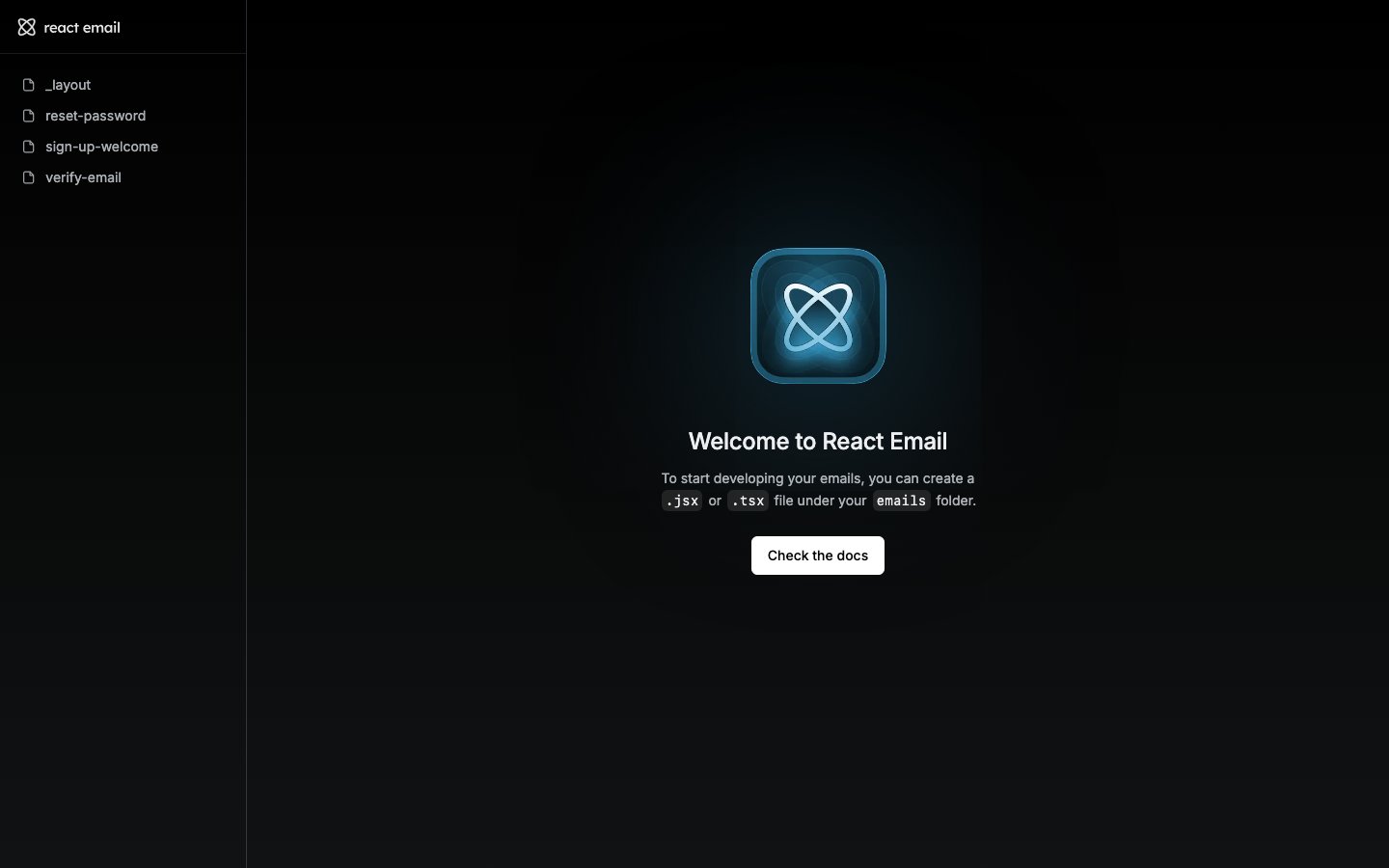
Preview renders straight from the React components, so what you see is exactly what sendTemplate produces — no separate build step.