> ## Documentation Index
> Fetch the complete documentation index at: https://ship.paralect.com/docs/llms.txt
> Use this file to discover all available pages before exploring further.
# Mailer
> Transactional email as a plugin — Resend for delivery, React Email for templates, a live preview server, and one typed sendTemplate call.
The **Mailer** plugin gives you transactional email with full type safety: write templates as [React Email](https://react.email/) components, send them through [Resend](https://resend.com/), and call one typed `sendTemplate` method from anywhere in the API.
It's a plugin — installing it merges the `@ship/emails` package (`packages/emails`) into your repo, so every template and the service itself are yours to edit.
```mermaid theme={null}
flowchart LR
T["emails/*.tsx React Email"] -- "render" --> HTML[HTML]
API["emailService.sendTemplate"] --> HTML
HTML -- "Resend" --> INBOX([Inbox])
```
## The package
`@ship/emails` exports a single `emailService` plus the template types:
```ts packages/emails/src/index.ts theme={null}
export * from './template';
export * from './utils';
export { default as emailService } from './email.service';
```
Templates and their props are registered in `template.ts` — a `Template` union, the `EmailComponent` map, and a `TemplateProps` map that ties each template to its prop type:
```ts packages/emails/src/template.ts theme={null}
import { ResetPassword, ResetPasswordProps } from '../emails/reset-password';
import { SignUpWelcome, SignUpWelcomeProps } from '../emails/sign-up-welcome';
import { VerifyEmail, VerifyEmailProps } from '../emails/verify-email';
export type Template = 'reset-password' | 'sign-up-welcome' | 'verify-email';
export const EmailComponent = {
'reset-password': ResetPassword,
'sign-up-welcome': SignUpWelcome,
'verify-email': VerifyEmail,
};
export interface TemplateProps {
'reset-password': ResetPasswordProps;
'sign-up-welcome': SignUpWelcomeProps;
'verify-email': VerifyEmailProps;
}
```
This is what makes the API end type-safe: pick `template: 'verify-email'` and TypeScript requires exactly `VerifyEmailProps`.
## Sending email
Import `emailService` and call `sendTemplate`. The `params` are checked against the chosen template's props:
```ts apps/api/src/auth.ts theme={null}
import { emailService } from '@ship/emails';
await emailService.sendTemplate({
to: user.email,
subject: 'Please Confirm Your Email Address for Ship',
template: 'verify-email',
params: {
name: user.name,
href: url,
},
});
```
Under the hood `sendTemplate` renders the React component to HTML and hands it to Resend:
```ts packages/emails/src/email.service.ts theme={null}
async sendTemplate({ to, subject, template, params, attachments }: SendTemplateParams) {
if (!this.resend) {
console.error('[Resend] API key is not provided');
return null;
}
const html = await renderEmailHtml({ template, params });
return this.resend.emails.send({
from: `${this.from.name} <${this.from.email}>`,
to,
subject,
html,
attachments,
});
}
```
With no `RESEND_API_KEY`, `sendTemplate` logs the email payload and returns `null` instead of sending — so local development and tests never hit Resend.
## Configuration
The service is constructed from environment variables, with sensible fallbacks for the sender:
```ts packages/emails/src/email.service.ts theme={null}
export default new EmailService({
apiKey: process.env.RESEND_API_KEY,
from: {
email: process.env.RESEND_FROM_EMAIL || 'no-reply@ship.paralect.com',
name: process.env.RESEND_FROM_NAME || 'Ship',
},
});
```
| Variable | Purpose |
| ------------------- | ----------------------------------------------------- |
| `RESEND_API_KEY` | Resend API key. Unset → emails are logged, not sent |
| `RESEND_FROM_EMAIL` | Sender address (default `no-reply@ship.paralect.com`) |
| `RESEND_FROM_NAME` | Sender display name (default `Ship`) |
## Writing a template
A template is a React Email component plus an exported props interface. It composes the shared `Layout` and `_components`:
```tsx packages/emails/emails/sign-up-welcome.tsx theme={null}
import React, { FC } from 'react';
import { Text } from '@react-email/components';
import Button from './_components/button';
import Layout from './_layout';
export interface SignUpWelcomeProps {
name: string;
href: string;
}
export const SignUpWelcome: FC = ({ name = 'John', href = 'https://ship.paralect.com' }) => (
Dear {name},We are excited to have you join our growing Ship community.
);
export default SignUpWelcome;
```
To add one:
Add `emails/.tsx`, exporting the component and its `Props` interface.
In `src/template.ts`, add the name to the `Template` union, the `EmailComponent` map, and `TemplateProps`.
`emailService.sendTemplate({ template: '', params: { ... } })` — typed end to end.
## Local preview
React Email ships a live preview server. Run it to see your templates in the browser with hot reload:
```bash theme={null}
pnpm --filter @ship/emails dev
```
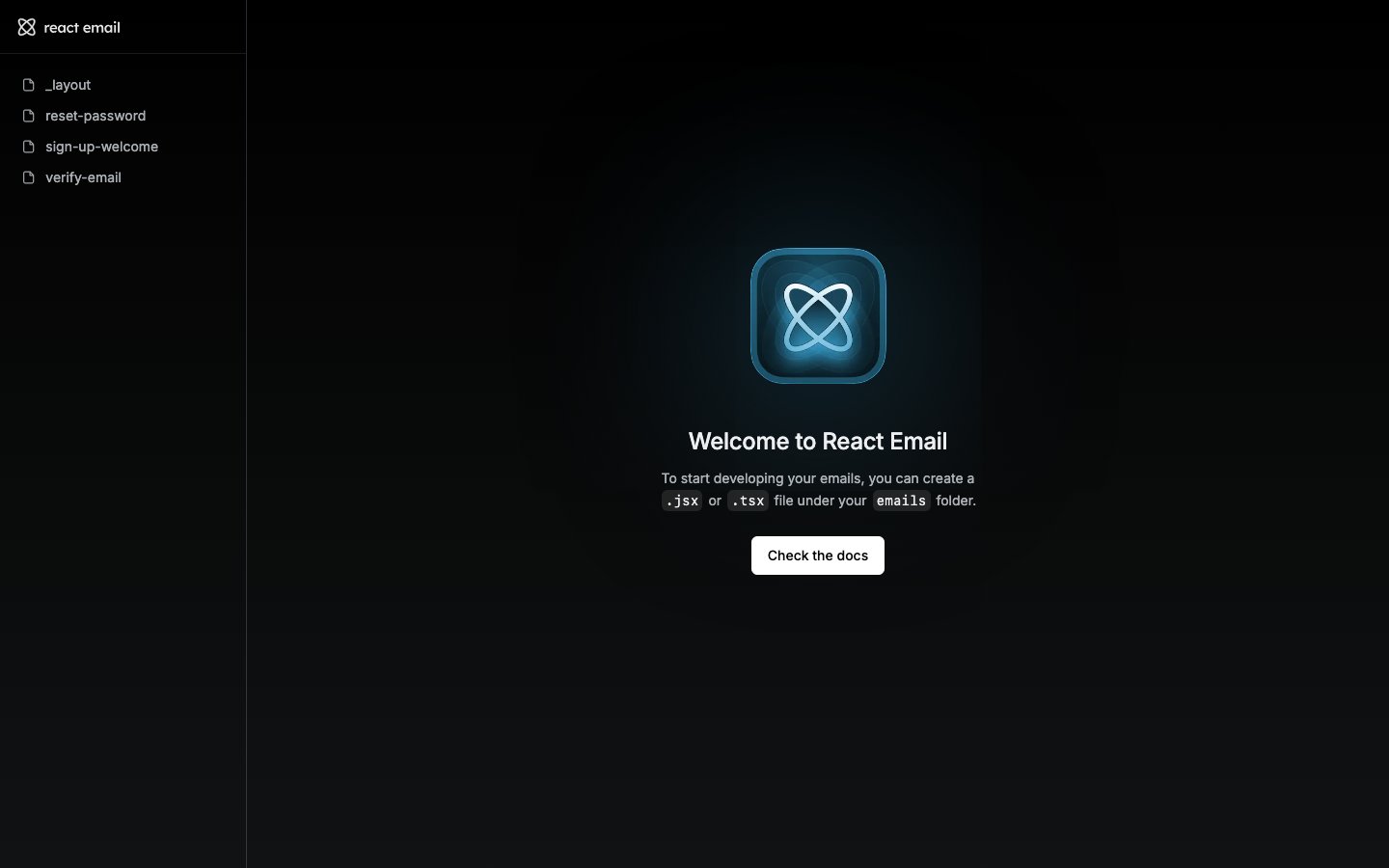
This serves the `emails/` folder at [http://localhost:4000](http://localhost:4000). Default prop values (like `name = 'John'`) render so every template has realistic content without wiring up data.
Preview renders straight from the React components, so what you see is exactly what `sendTemplate` produces — no separate build step.